Timeline Visualizer vs the open-source original: what is different, and which one to use
Published Aug 23, 2026 · Updated Aug 24, 2026 · 4 min read
Available in: English · 日本語 · 한국어 · Bahasa Indonesia · Tiếng Việt · 繁體中文
In this article
There are two things called Timeline Visualizer: an open-source project on GitHub that renders your Google Maps Timeline into a travel video — an Android app, a Python script, and the author's own web app — and this website. Same name, same idea, so it is fair to ask how they relate. Here is the honest answer, and what is actually different, so you can pick the right one.
The short version
| This site | Open-source original (v2.4.0) | |
|---|---|---|
| Runs on | Any phone or computer browser | Android app (APK), the author's own web app, and a Python CLI |
| Music | 3 built-in tracks; your own MP3 / M4A / WAV with Pro | None — videos export silent |
| Duration | Chosen automatically from your data (10–300 s override) | You pick a length |
| Privacy zone | Free: hide your home & frequent places | Not available |
| Formats | 9:16, 1:1, 16:9 · 720p / 1080p | Square 480/720/1080p + portrait & landscape presets |
| Route drawing | Great-circle arcs, outlier filter, long-trip compression — plus kept trail & auto transport marker (Pro) | Great-circle arcs, outlier filter, long-trip compression |
| Extras | Pro: recap card, map styles & route colors, custom markers, @handle, all-formats export | Trips & Recaps and video gallery (Android), shareable presets, MP4 title metadata |
| Languages | English, Japanese, Korean, Indonesian, Vietnamese, Traditional Chinese | Nine incl. Spanish, French, German, Brazilian Portuguese, Simplified Chinese |
| Price | Free; optional Pro $2.99 one-time | Free (open source) |
Both read the same Timeline.json / location-history.json, and in both everything is processed on your device.
What this site adds
Music, built in
Three licensed tracks are muxed straight into the MP4 inside your browser, so adding music costs no extra render time. With Pro you can upload your own MP3 / M4A / WAV; it is looped or trimmed to the video length with a fade-out. The original — app and web alike — exports silent videos.
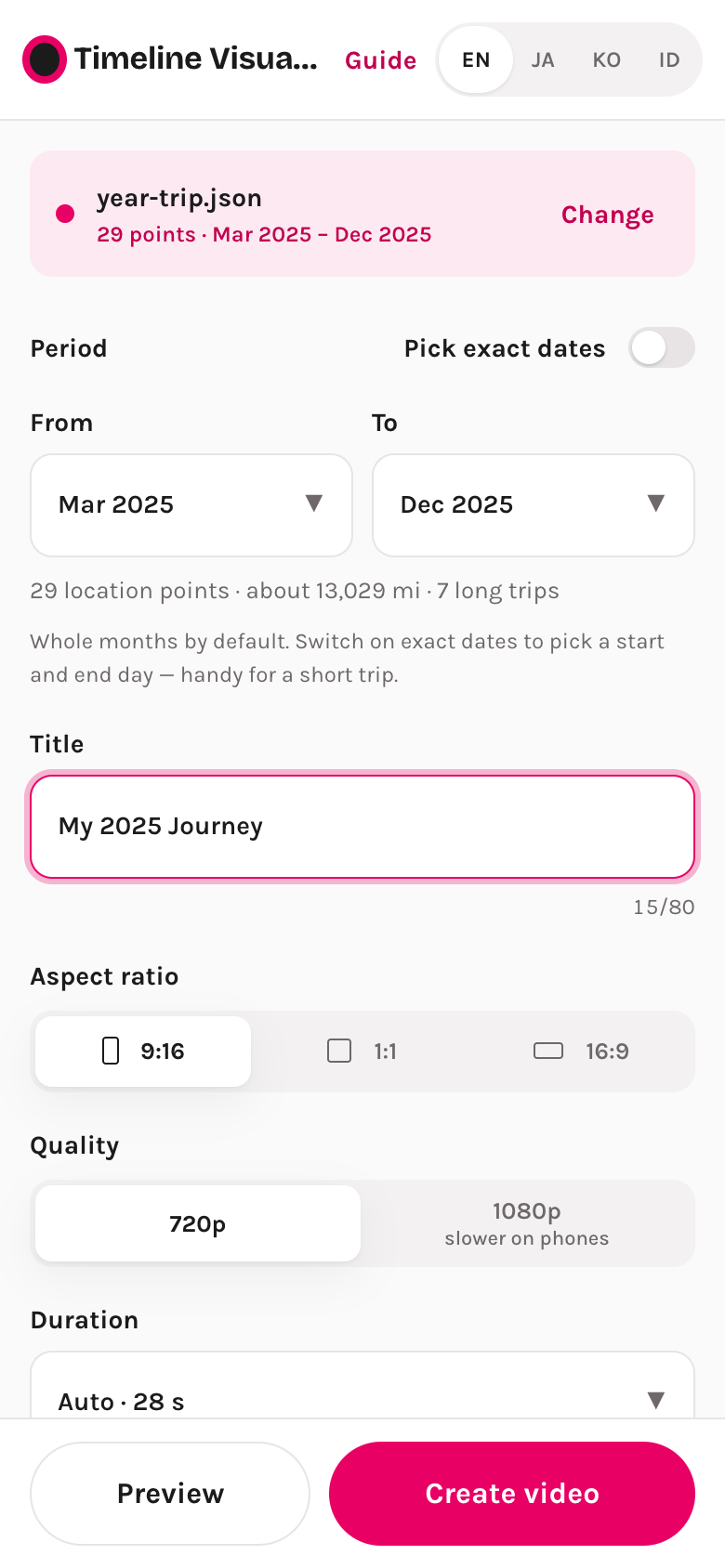
The length picks itself
The duration is computed from how much travel the selected period contains — a weekend trip lands around 15 seconds, a whole year around a minute — and you can override it anywhere from 10 to 300 seconds. In the original you choose a fixed length first.
A free privacy zone
One switch hides your home and other frequent places: points near them are pushed to the edge of a slightly shifted circle, so the exact spot never appears in the video and the circle cannot be traced back to it. Detection runs on your device only.
Pro extras (optional, $2.99 one-time)
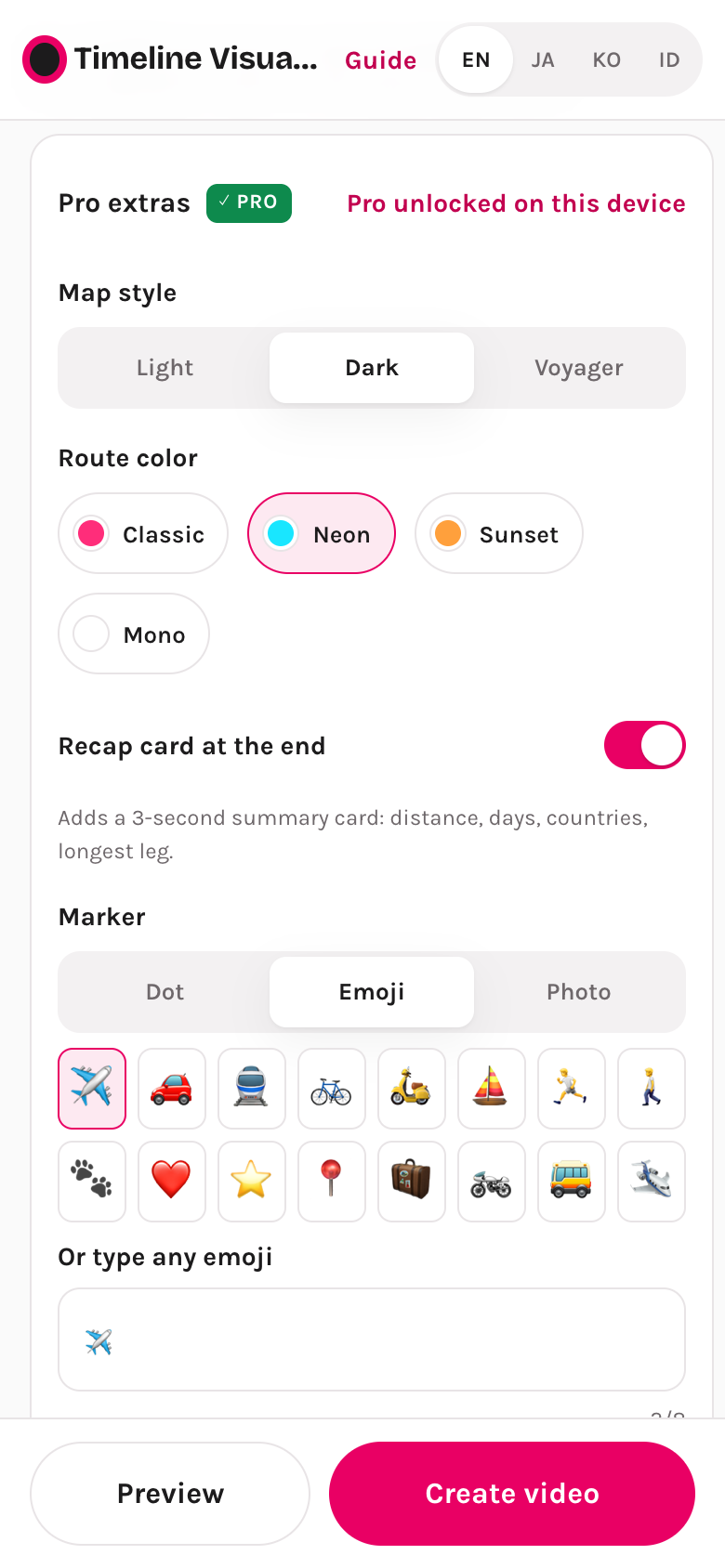
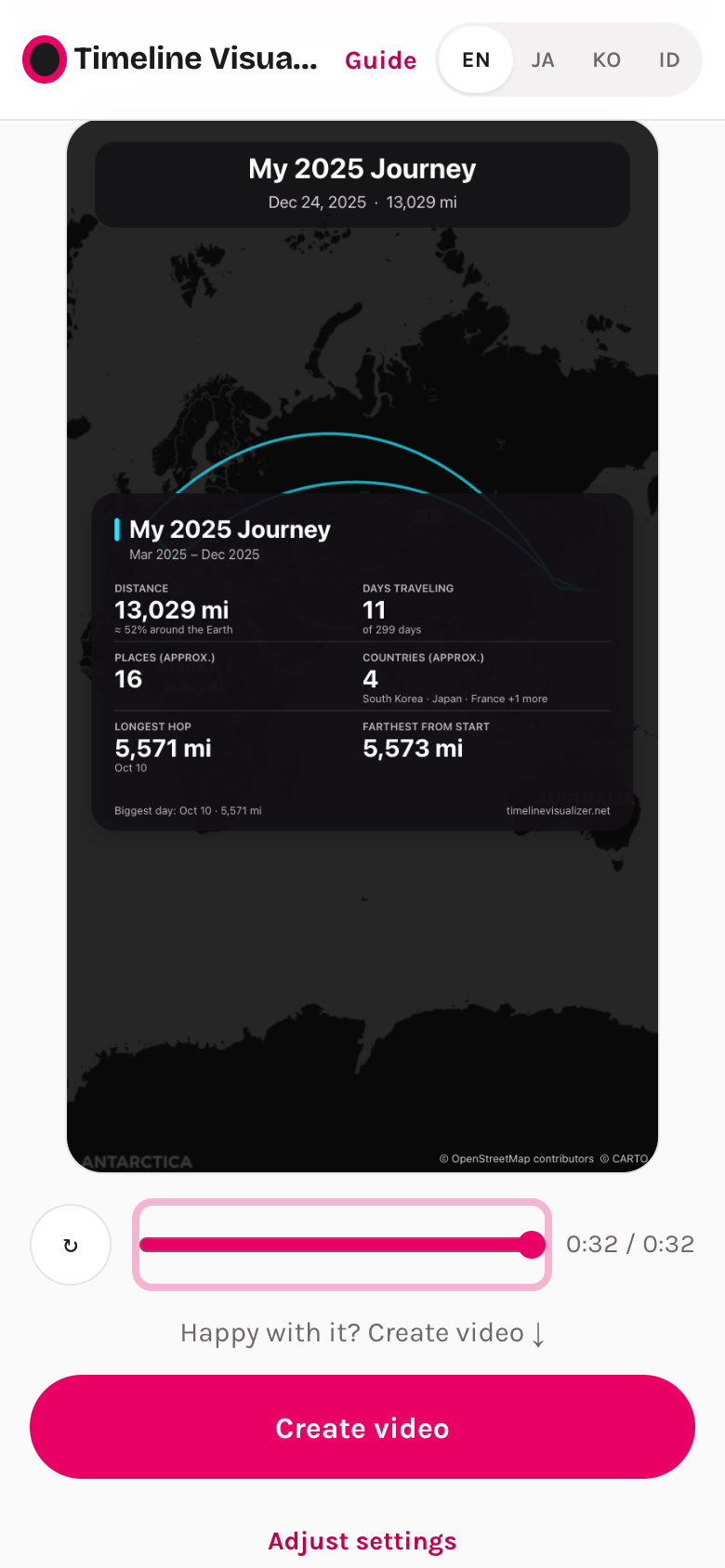
A recap stats card (distance, days, countries, longest hop — also downloadable as a PNG), an auto transport marker that switches between walk / bike / car / plane from your speed, a kept trail that fills the map as you travel, dark and Voyager map styles with four route color presets, emoji or photo markers, your own music, an @handle watermark, and one-tap export of all three formats. The free tool stays free — nothing moved behind Pro.
Indonesian and Vietnamese
The original covers nine languages, including Spanish, French, German and Brazilian Portuguese. This site instead goes deep where most of these videos are actually made: full interface, guides and blog in Indonesian and Vietnamese (plus English, Japanese, Korean and Traditional Chinese).
When the original is the better pick
- You want a native Android app — with a videos gallery, export notifications, and the new Trips & Recaps flow (v2.4.0).
- You want Spanish, French, German, Brazilian Portuguese or Simplified Chinese.
- You like reading and modifying the code, or want the Python CLI for batch work on a computer.
Which one to use
If you want music, an automatic length, your home hidden, or the Pro looks: use this site. If you want a native Android app or one of the languages we do not cover: use the original. They read the same file, so trying both costs nothing.
Export your Timeline on your phone, open the tool, and make the video — free, in the browser.
Open Timeline VisualizerQuestions or something that looks wrong in this comparison? Email support@timelinevisualizer.net and we will correct it.